To succeed with iGaming offers, it is not enough to choose a high-payout deal. You also need a stable and scalable traffic source. Even the most attractive CPA will not generate profit without accurate tracking and sufficient traffic volume.
Clickadu is an international performance advertising network widely used for Gambling and Betting traffic. The platform supports multiple ad formats suitable for iGaming offers, including Popunder (OnClick), InPage Push, Banner, Video Pre-roll, and more.
By combining Clickadu traffic with 3SNET offers and smartlinks, affiliates get:
- fast campaign launch;
- transparent tracking;
- optimization based on real events (registration / deposit / qualification);
- scaling opportunities in Tier-2 and Tier-3 GEOs.
In this guide, we will cover:
- how to prepare Clickadu and 3SNET accounts;
- how to connect both platforms correctly;
- how to launch your first campaigns;
- how to analyze data and scale profitably.
Why Clickadu Is a Strong Traffic Source for iGaming
Clickadu is a global multi-format ad network operating since 2014 and covering 150+ countries. The platform delivers traffic from over 15,000 exclusive websites and reaches billions of engaged users worldwide.
Key advantages of Clickadu:
- 6 ad formats in one platform: InPage Push, Popunder (OnClick), Banner, Video Pre-Roll, Instant Text Message, Skim;
- flexible pricing models: CPM, CPC, SmartCPM, SmartCPA;
- advanced audience segmentation and precise targeting;
- AI-based optimization, anti-bot and anti-fraud systems, 24/7 moderation;
- real-time statistics and dedicated account manager support;
- multiple payment methods: PayPal, Visa, MasterCard, UnionPay, Wire.
Why Clickadu Works Well with 3SNET
3SNET provides:
- direct iGaming offers and smartlinks;
- CPA and SOI payout models;
- payments based on the key event — qualification;
- wide GEO coverage across multiple regions.
The Clickadu + 3SNET combination allows affiliates to:
- test traffic hypotheses quickly;
- optimize based on real revenue, not just clicks;
- scale profitable GEOs and ad formats efficiently.
Step 1. Account Registration and Setup
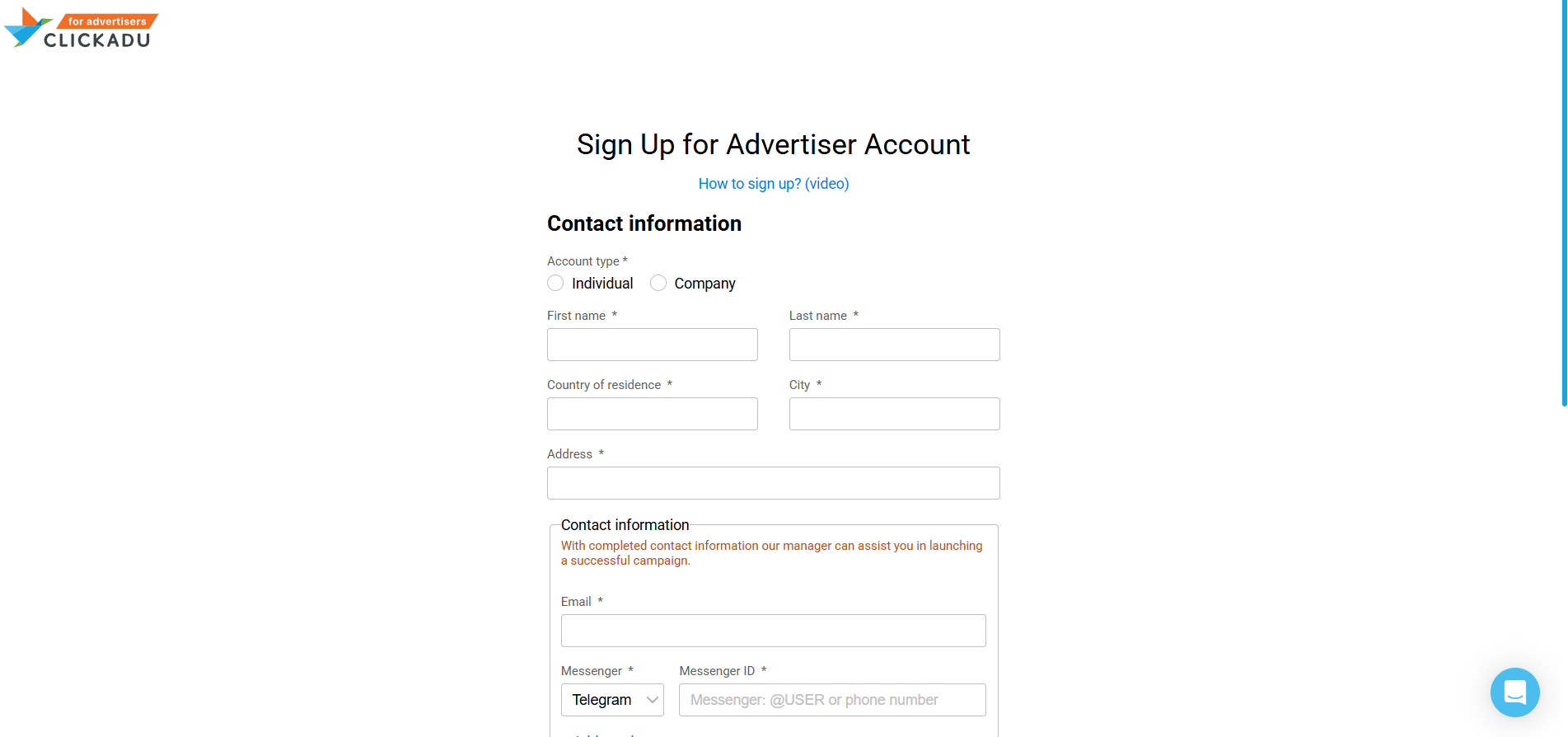
Register in Clickadu
- Go to clickadu.com
- Sign up as an Advertiser
- Confirm your email
- Log in and fund your account balance
Register in 3SNET
- Go to 3snet.co
- Complete the registration form
- In your profile, specify:
- Traffic source: Clickadu;
- Vertical: iGaming;
- Contact details.
- Wait for approval to access offers and smartlinks
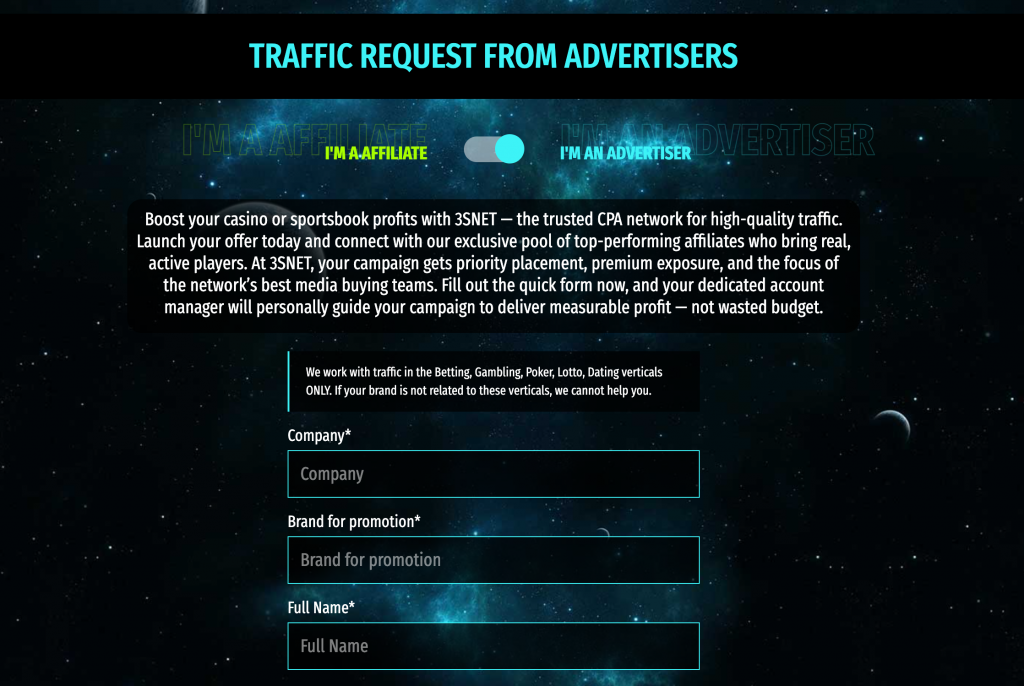
Important: correctly specifying Clickadu as your traffic source is critical for proper tracking and postback integration.
Step 2. Choosing an Offer: Smartlink or Direct Offer
3SNET Smartlink
Advantages:
- automatic offer selection based on GEO and device;
- fast setup;
- minimal preparation required.
Best for:
- initial tests;
- mixed GEO campaigns;
- Popunder (OnClick) traffic;
- limited test budgets.
Step 3. Tracking Links and Data Flow
To launch campaigns in Clickadu, you must use a tracking link generated in 3SNET. This link ensures that every click is properly recorded and attributed for conversion tracking and revenue calculation.
Basic tracking logic:
- each click has a unique identifier;
- this identifier is passed from Clickadu to 3SNET via URL parameters;
- the parameter structure is configured individually.
Clickadu supports dynamic tokens such as: {zoneid}, {campaignid}, {cost}, {geo}, {city}, {device}, {os}, {browser}, and others. The full list is available in Clickadu’s FAQ. Always confirm the correct parameter setup with your Clickadu manager.
Step 4. Postback: Purpose and Setup
Postback is a server-to-server mechanism that transfers conversion data between Clickadu and 3SNET. It is essential for ROI calculation, campaign optimization, and scaling.
Main iGaming events:
- Registration
- Deposit
- Qualification
In most iGaming offers, the payable event is qualification, not just the first deposit.
Postback logic:
- Clickadu sends the unique click ID and traffic data;
- The user completes the target action;
- 3SNET sends back confirmation of the conversion and its payout value.
Before scaling, always verify that postback works correctly with Clickadu support or your 3SNET manager.
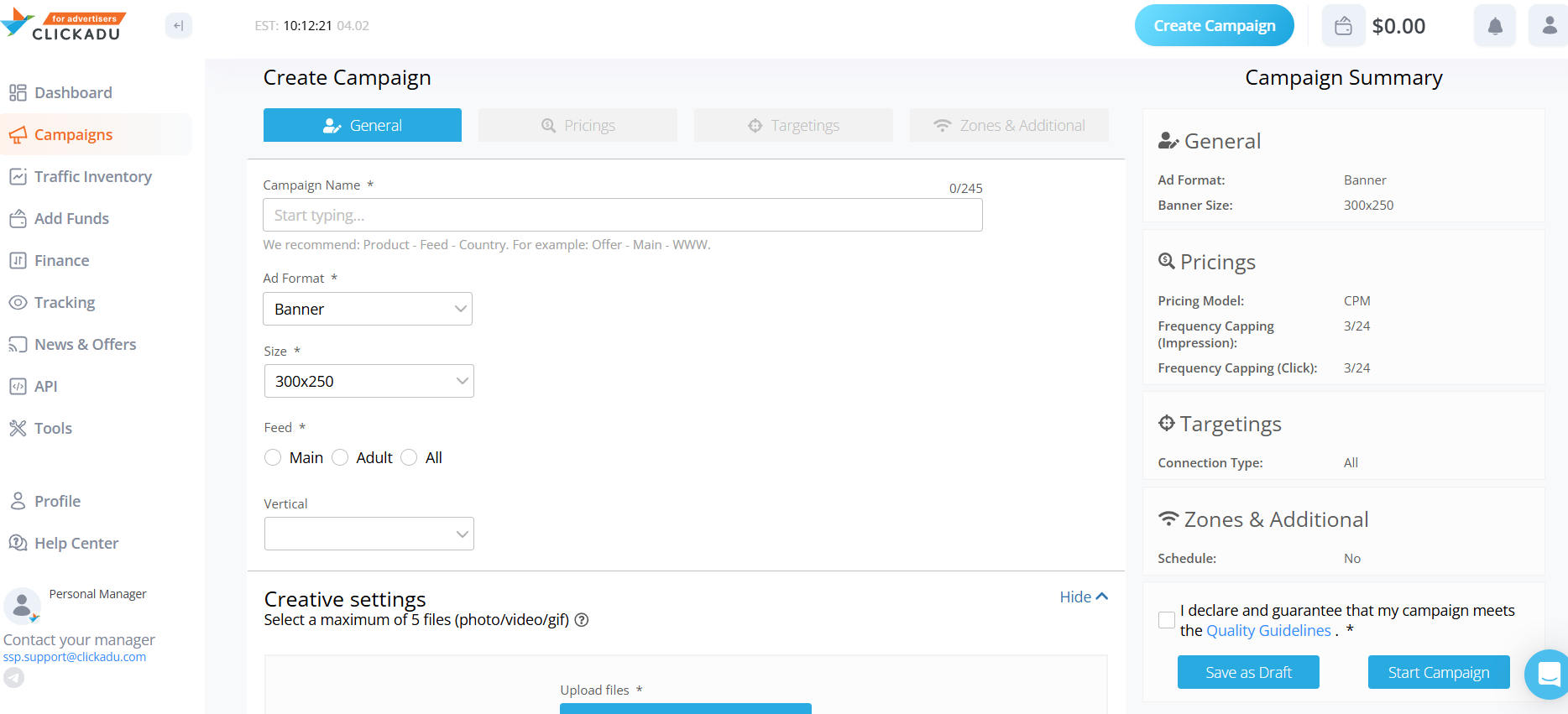
Step 5. Creating a Campaign in Clickadu
Supported Ad Formats
- OnClick (Popunder)
- InPage Push
- Banner
- Video Pre-roll
Campaign name example: 3SNET_CPA_IN_Popunder_Android
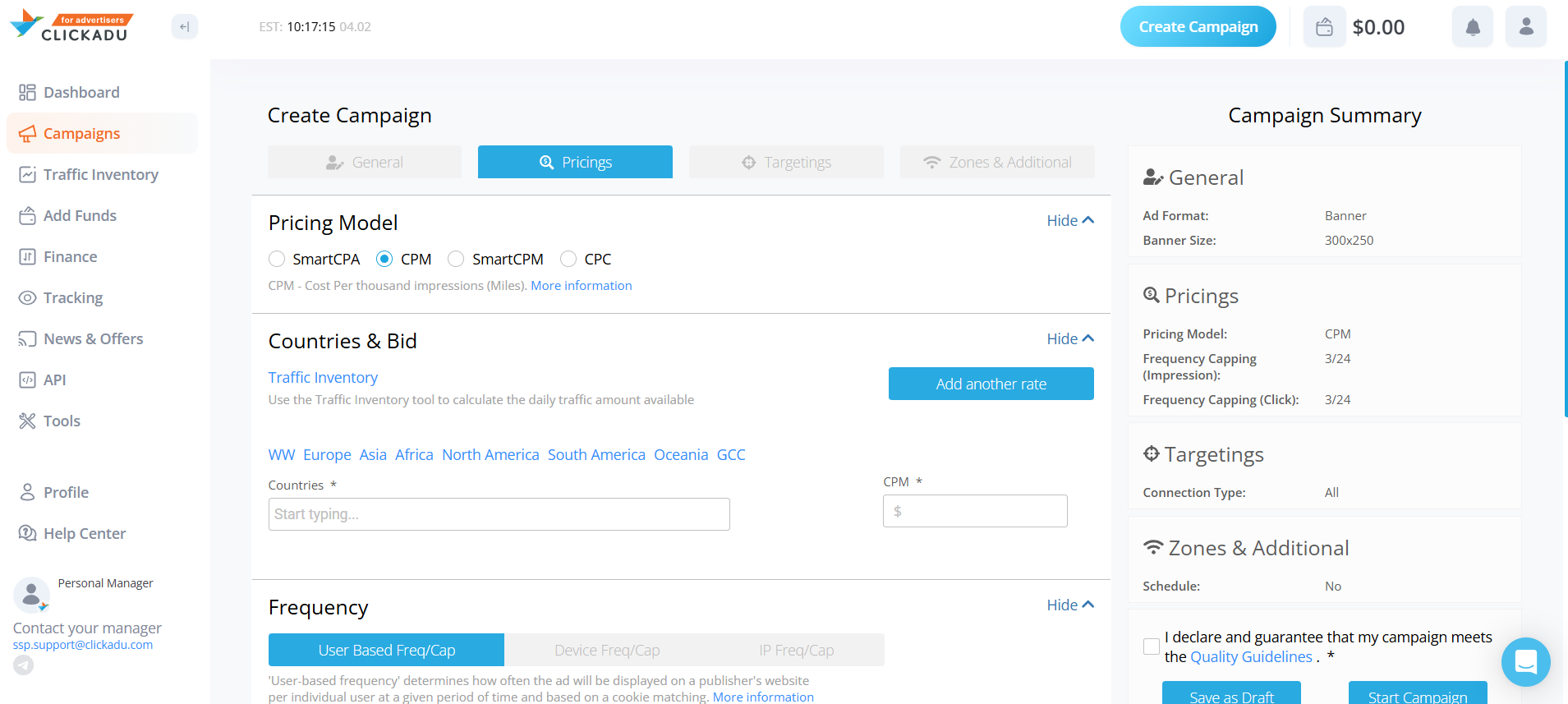
Pricing Model
Depending on the chosen format, different pricing models are available.
Targeting
Targeting settings must match the requirements of the selected 3SNET offer (GEO, device, OS, etc.).
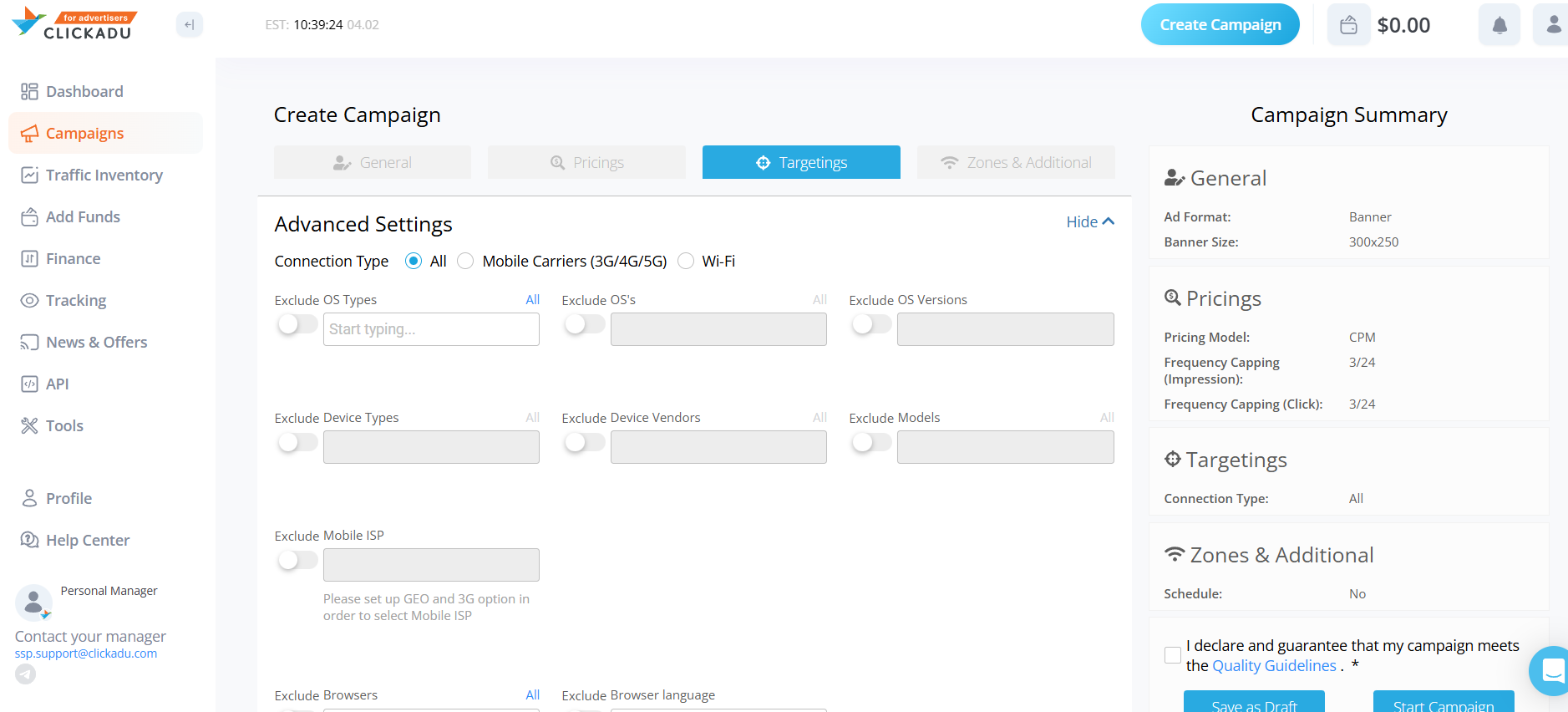
Additional recommendations:
- Frequency cap: 2–3 / 24h;
- Daily budget is mandatory;
- Test budget is recommended for SmartCPA / CPC campaigns.
Step 6. Analyzing Performance
Clickadu statistics include detailed breakdowns by:
- Campaign
- Creative
- Zone (placement)
- Country
- Date
- OS and OS version
- Browser and Browser version
Main metrics:
- Impressions
- Clicks
- Conversions
- CTR
- CR
- CPM
- Cost
- CPA
- CPC
In 3SNET dashboard:
- Clicks
- Registrations
- Deposits
- Qualifications
- EPC
- Revenue
Key KPIs: CR, EPC, CPL, ROI
Step 7. Optimization and Scaling
- pause underperforming zones;
- build a whitelist of profitable placements;
- increase budget gradually;
- duplicate campaigns to new GEOs;
- test additional ad formats;
- switch from smartlink to direct offers when scaling.
Common mistakes:
- incorrect traffic source specified;
- lost click ID;
- incorrect event payout in dynamic models;
- optimizing for non-payable events.
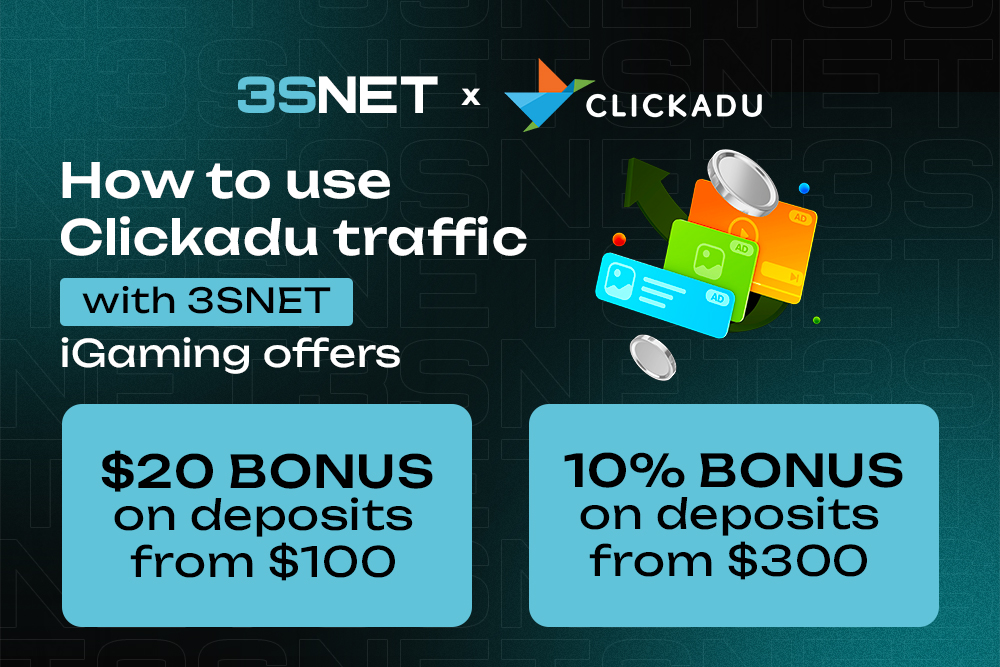
Special Offer for New Clickadu Advertisers
- $20 bonus on deposits starting from $100;
- +10% bonus on deposits starting from $300.
The Clickadu + 3SNET combination is suitable for both quick traffic tests and large-scale iGaming campaigns. With proper tracking and postback setup, affiliates gain transparent analytics, full funnel control, and the ability to optimize based on real profitability.
Useful Links: